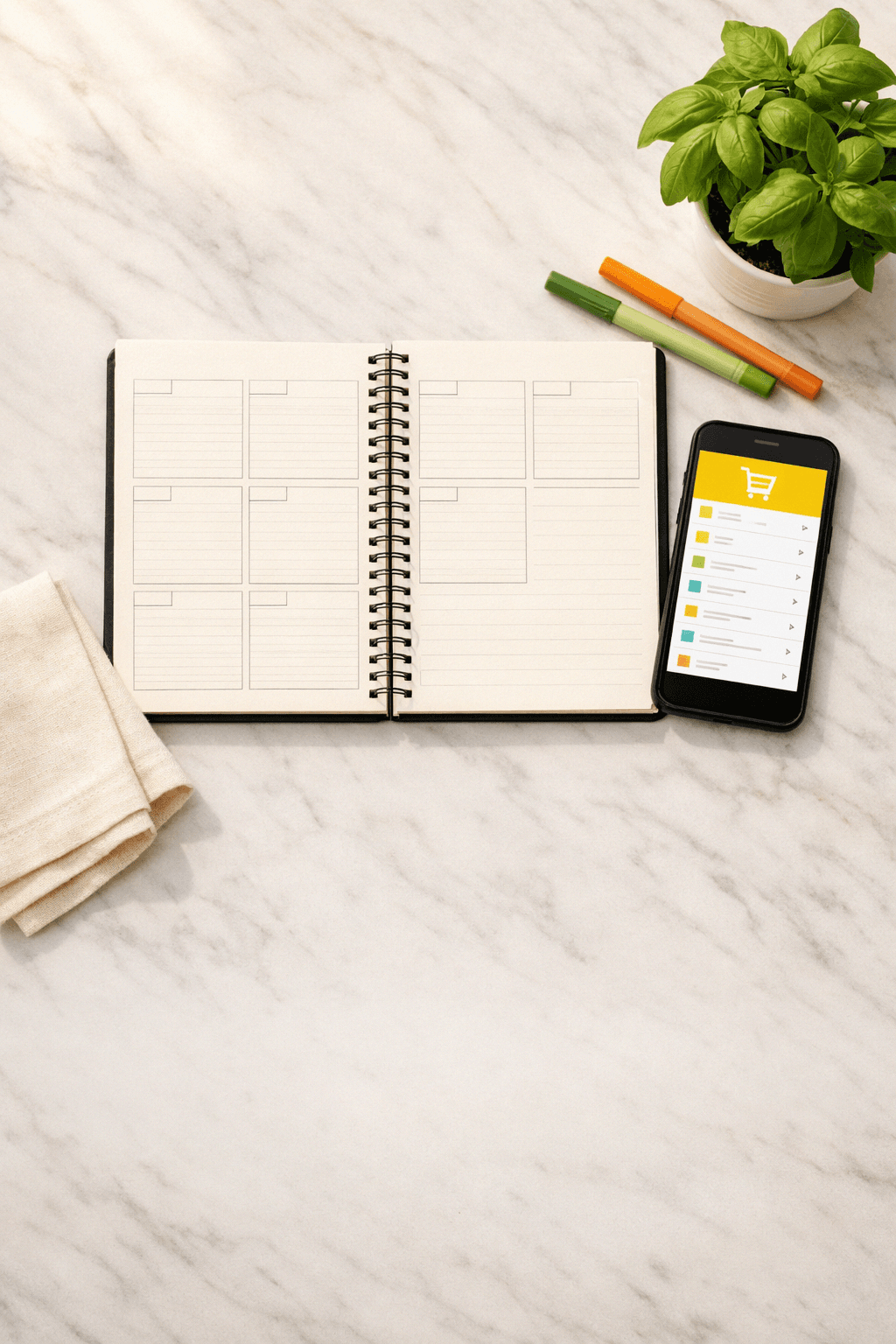
Meal Plan with Grocery List: How to Plan a Full Week of Dinners and Send It Straight to Instacart
You've decided to actually plan dinners this week. Good intention. Then you spend 45 minutes staring at recipes, open six browser tabs, write a grocery list on the back of a receipt, and still forget the one ingredient that holds three meals together. By Wednesday, you're winging it.
The problem isn't effort — it's that planning dinners and building a grocery list are usually treated as two separate tasks. They're not. When they're connected from the start, the whole system works. Here's how to set that up.
Why the Sunday Scramble Keeps Happening
Picture a typical week: Monday you cook, Tuesday you improvise, Wednesday you order pizza because someone used the last of the olive oil and didn't say anything. By Thursday, you're doing a weird pantry raid that produces something technically edible.
This isn't a motivation problem. It's a structure problem.
Most people build a grocery list for the week by thinking about what sounds good, writing down ingredients from memory, and hoping it all comes together. The gap between "I want to make that chicken thing" and "I have everything I need to make that chicken thing on Thursday" is where dinner plans fall apart. A shopping list that isn't anchored to a specific weekly menu is really just a wish list.
What actually works — and I've tried both approaches — is building the grocery list from the meal plan, not alongside it or after it. When the list is generated from the actual recipes you're cooking, you get exactly what you need. No more, no less.
What Most People Try (And Where It Breaks Down)
The two most common approaches: write out a weekly menu by hand, then manually compile ingredients, or use a generic meal planning template and fill it in from scratch each week.
Both can work. Both are also genuinely tedious.
The handwritten approach means cross-referencing multiple recipes, combining quantities (you need 1.5 lbs of chicken for Monday and 1 lb for Thursday — so 2.5 lbs total), and organizing everything by store section so you're not zigzagging through the produce aisle. That's a solid 20-30 minutes of work before you've even thought about what you're cooking.
The template approach has the same problem. A blank grid of seven dinners doesn't help you figure out what to make — it just gives you a place to write it down once you've already done the hard work.
The other issue: neither approach accounts for what you already have. If there's half a bag of spinach and a pound of ground turkey in your fridge, a generic meal planning template has no idea. You'll buy more turkey, the spinach will go bad, and you'll wonder why groceries feel expensive.
A Better System: Plan First, List Second, Shop in One Tap
Here's the approach that actually holds up through a real week with real constraints.
Start with your constraints, not your recipes. Before you pick a single meal, get clear on: How many nights are you actually cooking? (Not seven — be honest.) Do you have dietary restrictions in the house? Any appliances you want to use, like a slow cooker on a busy Tuesday? What's already in the fridge that needs to get used?
These constraints aren't obstacles. They're the inputs that make your meal plan functional instead of aspirational.
Build a weekly menu that accounts for your actual schedule. Monday after soccer practice needs something under 30 minutes. Wednesday you're home early and can handle something with more steps. Friday is flexible. When your dinner plan matches your week's actual shape, you cook more of it.
Generate the grocery list from the menu — not from memory. This is the step most people skip or do manually. When your grocery list is built directly from your weekly recipes, quantities are combined automatically, you're not buying duplicates, and nothing gets missed. A consolidated list organized by department (produce, meat, dairy, pantry) means one efficient trip — or one clean Instacart order.
Send it to Instacart and be done with it. This is the part that makes the whole system feel worth building. When your shopping list is ready, you select your retailer, and unchecked items go straight to Instacart for delivery or pickup. No retyping. No screenshot-and-squint. The list you built from your meal plan becomes the order.
What This Looks Like in an Actual Week
Say you're planning five dinners. You've got dietary restrictions — one person is gluten-free — and a 10-year-old who has opinions. You have chicken thighs and a half-used can of coconut milk in the fridge.
Your weekly menu might look like this: Monday is a Thai-inspired coconut chicken (uses what's already there, 28 minutes, kid-approved). Tuesday is sheet pan salmon with roasted vegetables — omega-3s, naturally gluten-free, minimal cleanup. Wednesday is a slow cooker beef stew you start before school pickup. Thursday is a quick turkey taco bowl (everyone builds their own, which somehow makes the 10-year-old more cooperative). Friday is homemade pizza — gluten-free crust, everyone picks toppings.
From those five meals, your grocery list is built automatically: produce grouped together, proteins together, pantry items together. The coconut milk and chicken thighs are already accounted for, so they don't appear on the list. You send it to Instacart, pick a delivery window, and that's the shopping done.
Total planning time: under 10 minutes if the system is doing the work.
When Your Household Has Multiple Constraints
This is where a lot of meal planning advice falls apart. "Meal planning tips" that assume everyone in the house eats the same things aren't useful to a family with a gluten-free adult, a kid who won't touch anything green, and a partner who keeps saying "I don't care" (they care).
The system still works — it just needs to be built on the right foundation. Dietary restrictions have to be non-negotiable inputs, not afterthoughts. If gluten-free is a requirement, every recipe in the plan needs to reflect that from the start, not get flagged after you've already built the list.
Kid-friendly and gluten-free and under 30 minutes isn't an impossible combination. It's a planning problem, not a recipe problem. When your meal planning template or app actually enforces those constraints during generation — rather than leaving you to manually filter — you end up with a plan you can actually execute.
Your mileage will vary depending on how many constraints you're juggling. Two dietary restrictions and a picky eater is manageable. Five overlapping requirements across six people takes more horsepower. The principle is the same: constraints in, workable plan out, grocery list follows automatically.
Slated: Your whole week of dinners, planned in minutes. Personalized meal plans, family voting, and one-tap Instacart ordering.
Try it free for 14 days
Get Slated for iOSNo credit card required
You might also like
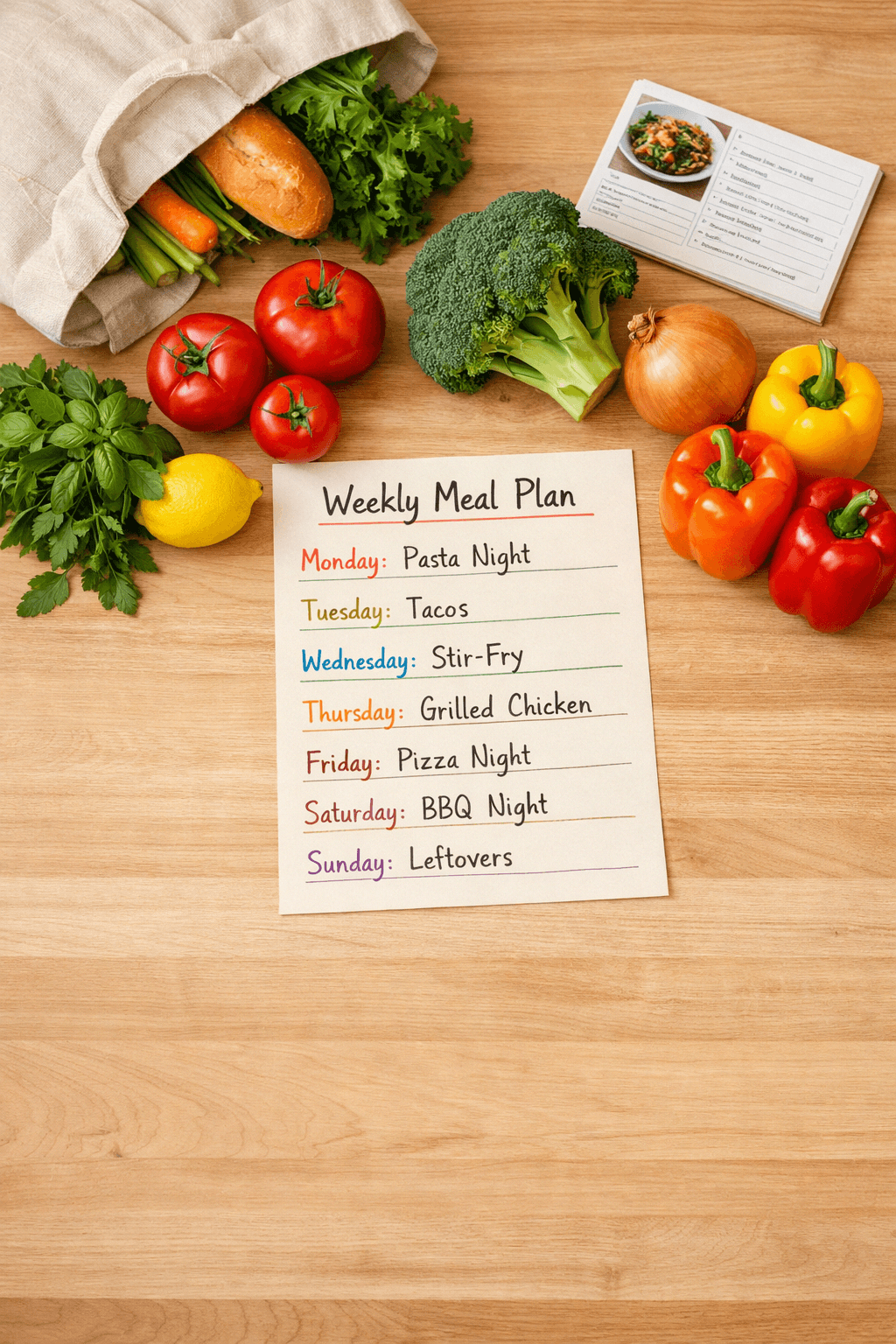
5 Ways Meal Planning at Home Beats HelloFresh — Flexibility, Taste, and Family Buy-In
Tired of meal kits? Here are 5 reasons meal planning at home is a better HelloFresh alternative for real families with real schedules.
HelloFresh Alternative: What to Do Instead for Weekly Family Dinners
Tired of meal kit boxes that don't fit your family? Here's the plan-based HelloFresh alternative that actually works for real family dinners.
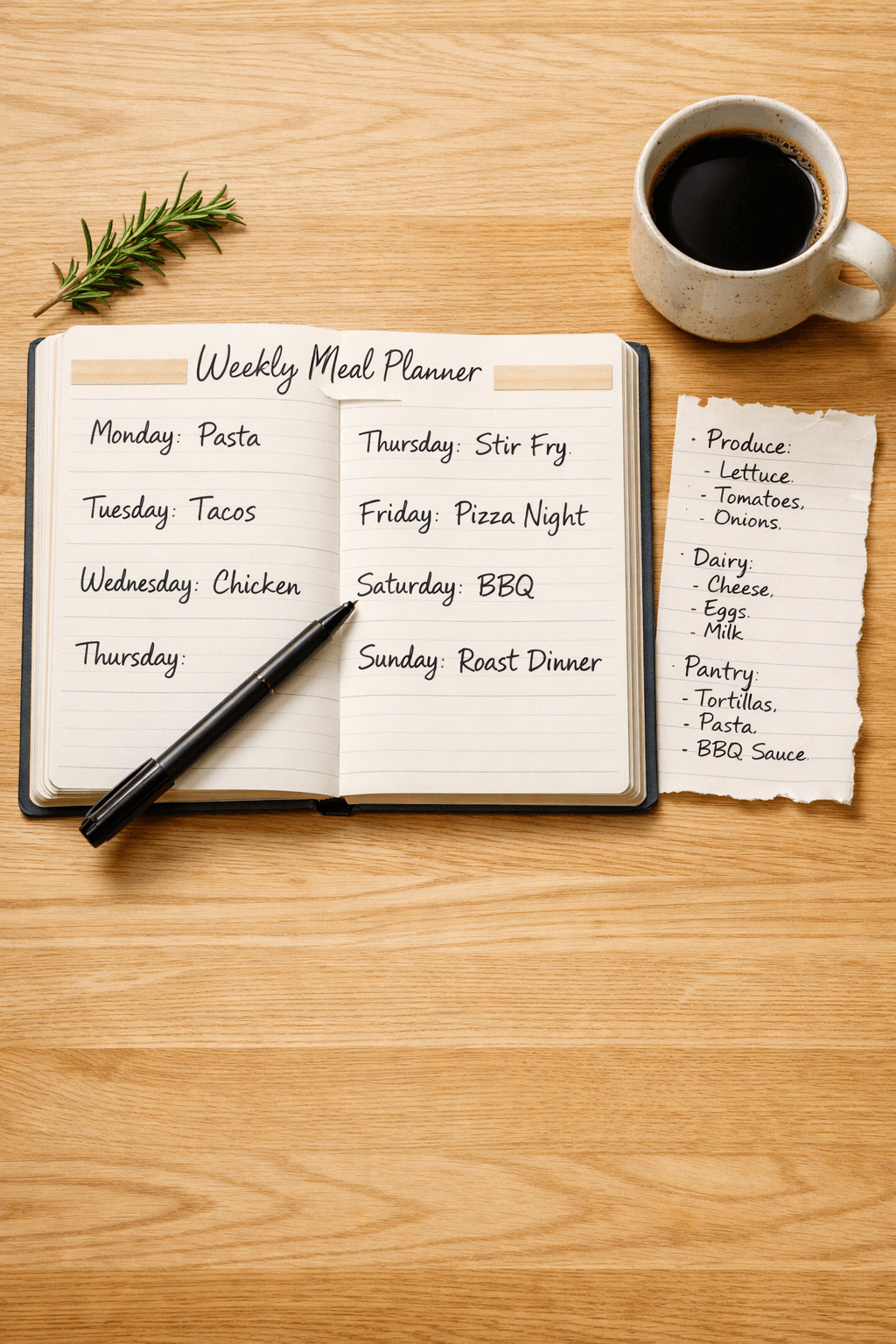
Meals for Picky Families: How to Plan a Week of Dinners Everyone Will Actually Agree On
Tired of dinner arguments? Learn a practical system for planning family-friendly meals that picky eaters, divided tastes, and 'I don't care' partners will all accept.